Add vocals.
Release the track. Repeat.
A vocal tool for producers who stay in the chair. Sketch toplines, test directions, and unblock the song without waiting on a singer or settling for sample packs. Every decision after that is still yours.
The vocal moves to the front of your process. Whether you release it or hand it to a singer is the second question.
The instrumental is done.
The vocal is not.
Most tracks stall at the same point: the production is ready, but the vocal side is still open. Finding the right singer, waiting on revisions, or scrolling through sample packs all slow you down. Vokals lets you generate original vocals on your track so you can keep producing.
No singer available
You have a vocal idea but nobody to record it right now. The track sits there.
Sample packs don't fit
Generic loops rarely match the energy of your specific track. You need something original.
Collabs slow you down
Scheduling, revisions, back-and-forth. By the time the vocal arrives, the momentum is gone.
Tracks stay as loops
The vocal is often the missing piece between a loop and a finished record.
A guide vocal is how a song finds its direction.
It usually comes last.
Here it comes first.
In most workflows the vocal is the final step. The production is finished, and only then does someone come in to sing on it. Everything waits on that moment.
Vokals moves it. You upload your own instrumental, you write your own lyrics, and you hear the song with a vocal on it before a single session is booked.
What happens after that is yours. The arrangement, the mix, the final call on whether to keep it, replace it, or cut a real vocalist.
Every decision after that is still yours.
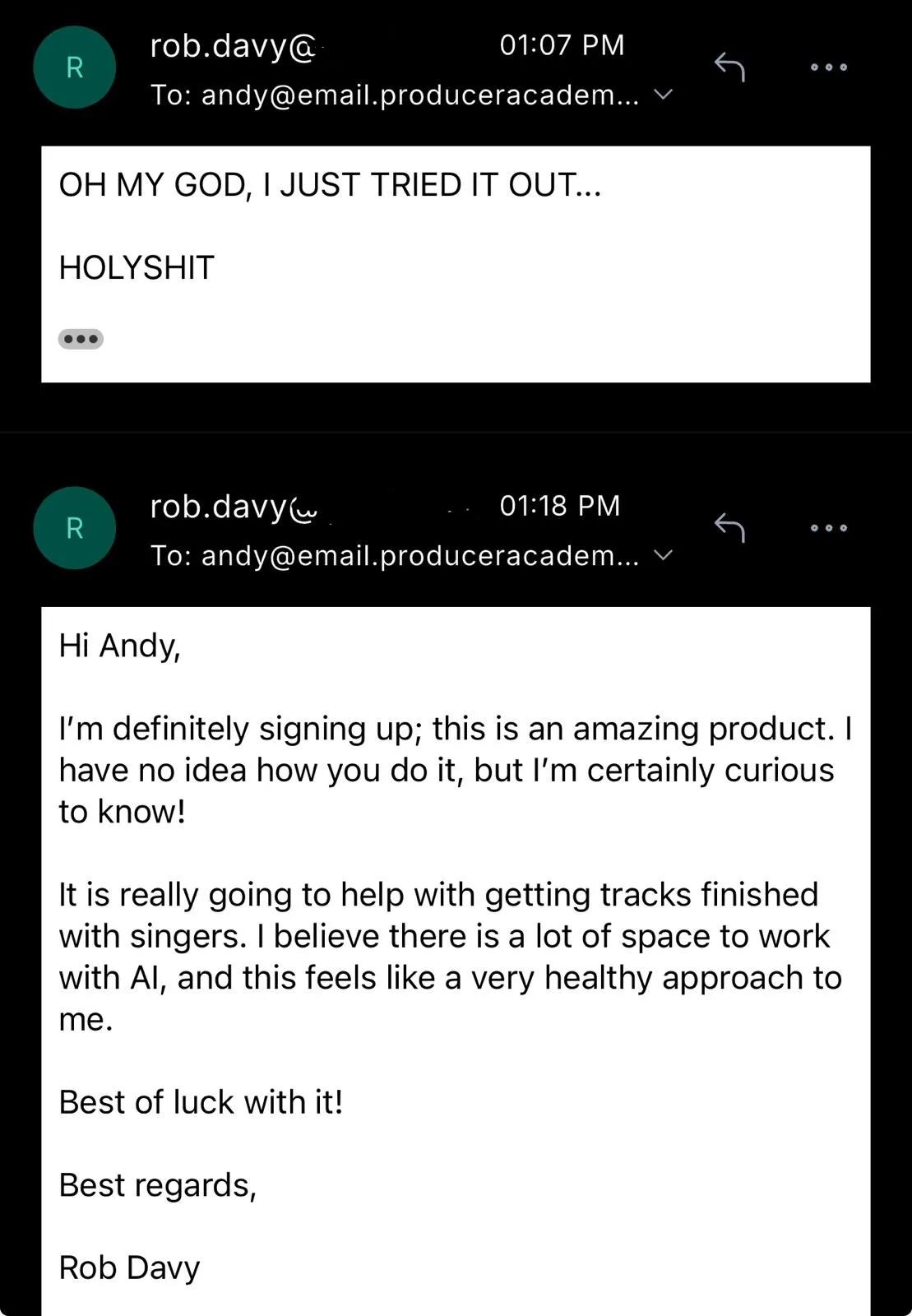
Rob Davy, a UK producer and Vokals customer, wrote this after his first time using it:
I'm definitely signing up; this is an amazing product. I have no idea how you do it, but I'm certainly curious to know! It is really going to help with getting tracks finished with singers. I believe there is a lot of space to work with AI, and this feels like a very healthy approach to me.
Just got a message from the singer on my last track, about the two tracks I made with Vokals. 'Beautiful voices, did they come record live at your place too?' So wild! Condor is one of those tracks, by the way.
From instrumental to vocal in four steps
Upload your track, shape the style, and generate. Then refine: separate the vocal from the instrumental, replace sections you don't like, and download the stems into your DAW.
Upload your instrumental
Drop in your track so the AI generates vocals that actually fit your production.
Write lyrics and shape the style
Add your lyrics, then use Guided Mode to pick voice character, emotion, and delivery. Or write your own prompt in Expert Mode. Stuck on a line? Vokabulary gives you words, images and angles you build on yourself.
Generate vocals
Get two vocal variations per generation for 12 credits. Listen, compare, and pick the direction that works.
Refine and download
Separate the vocal stem, replace specific sections, and download the result straight into your DAW.
One tool, two ways to use it.
Release it.
Generate the vocal on your own instrumental. Separate the stem. Process it in your DAW like any other vocal track. Then put the record out.
This is the route most of what you have read so far describes: the track was finished except for the vocal, and now it is finished.
Hand it over.
Some producers already have singers they work with. They use Vokals before they call anyone.
You write the lyrics. You set the direction. You hear the song before you have to explain it. Then you send that demo to the singer and ask her to sing it again.
What she gets is a demo with a worked out topline instead of an instrumental and a rough description of what you had in mind.
How you hand it over matters. Andy's own wording:
“This is the direction I want to go in. Do you hear anything in here you'd improve?”
That is an invitation, not an instruction. She is being asked for her judgement, not for her execution. She may well tell you to send her the instrumental instead. That is a useful answer too.
Two routes, one thing they have in common. The vocal is on the track before anyone else has decided what the song becomes. When that decision gets made, and who makes it, stays with you.
Vokals helped me land a #1 on the Beatport Organic charts in December 2025! It inspires me to make more music, because I can hear a vocal on my track instantly.
Generate, separate, replace, download.
Vokals is a full vocal production toolkit. Generate original vocals on your track, split stems, fix sections, and export from one interface.
| Option | Fast | Original | Fits your track | Direction |
|---|---|---|---|---|
| Sample packs | Yes | No | Sometimes | Low |
| Waiting for a singer | No | Yes | Yes | Medium |
| Vokals | Yes | Yes | Yes | High |
Vocal generation
Upload your instrumental and lyrics, shape the style, and get two vocal variations per generation for 12 credits.
Vocal separation
Split any result into isolated vocal and instrumental stems. Download the stems and continue in your DAW.
Section replacement
Don't like a specific part? Replace just that section without regenerating the whole track. 10 credits.
Project organization
Organize generations into projects. Reload parameters from previous generations to iterate fast.
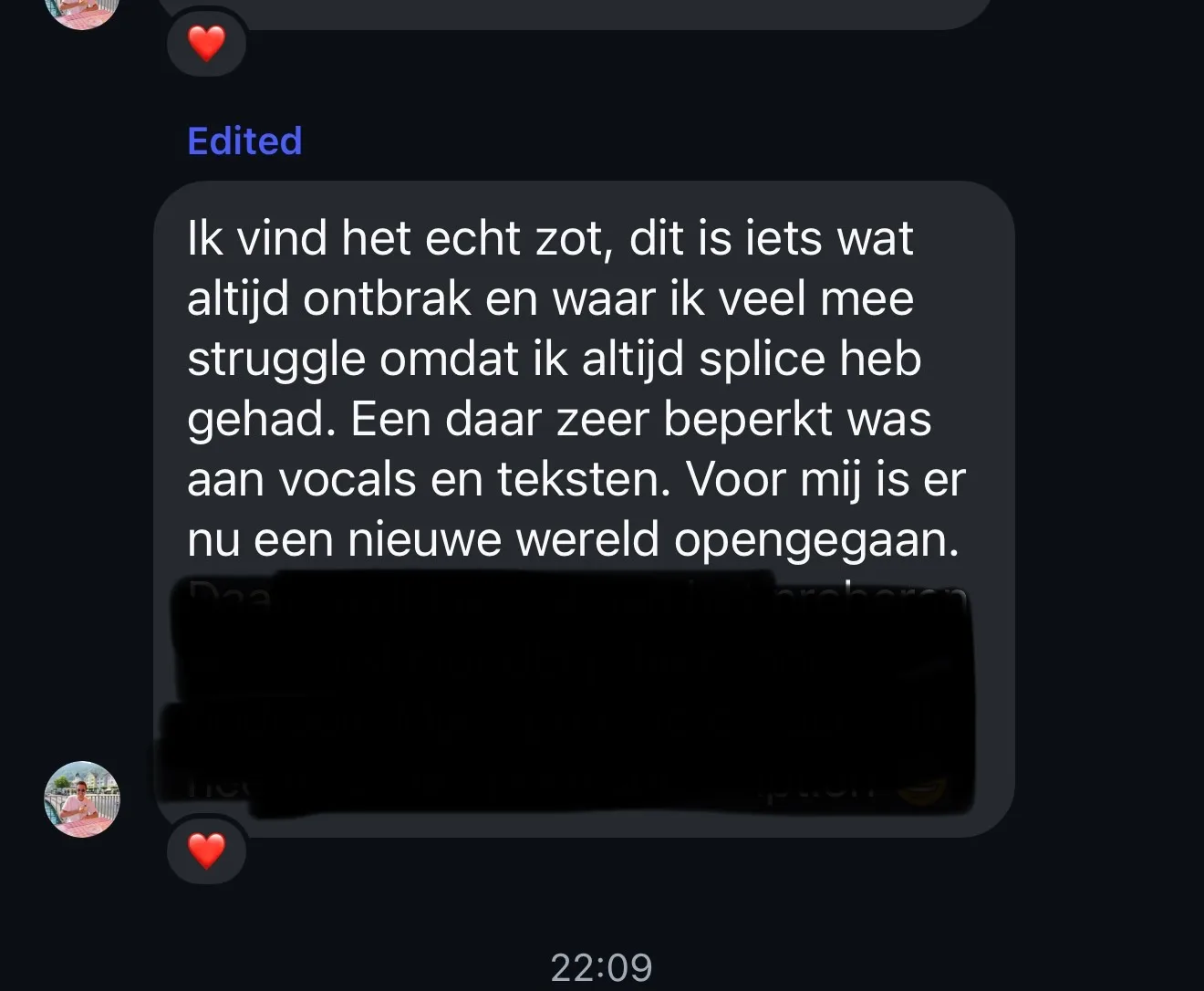
I think it's wild. This is something that was always missing and that I struggle with a lot, because I always had Splice, and that was very limited when it came to vocals and lyrics. A whole new world has opened up for me.
Choose the workflow that fits your session
Different sessions call for different approaches. Vokals gives you two generation modes depending on how much control you want.
Shape the vocal visually
Pick a voice character, select delivery techniques like vibrato or belting, set the emotion, and generate. No prompt writing needed. Just click and choose.
Write your own style prompt
Describe the vocal style, tone, and energy in your own words. Full control over the style prompt and negative tags for producers who know exactly what they want.
I experimented with Vokals for jumpstyle and got some really cool voices out of it. I even used two of them as intros for livestreams. And because the tool also adapts your music itself (depending on the settings), you get extra inspiration on that front too. Highly recommend!
Start free. Upgrade when you're ready.
Every action has a clear credit cost. Try the platform for free, then subscribe for a monthly credit allowance.
- 120 credits, valid for 6 months
- VokalCore, Split and Replace Section
- No credit card, just a verified phone number
- Downloads not included
- 2,160 credits
- Valid for 6 months
- VokalCore, Split and Replace Section
- Download all your vocals
- 1,200 credits per month
- VokalCore, Split and Replace Section
- Download all your vocals
- Top-up packs available
Two paid plans. The difference is how many credits.
| Plan | Price | Runs for | Credits | Roughly |
|---|---|---|---|---|
| 6-month pack | €50 one-time | 6 months | 2,160 for the period | 180 generations |
| Yearly plan | €247 per year, that is €17 per month | 12 months | 1,200 per month | 100 generations a month |
If €247 is more than you want to commit to, the 6-month pack is the smaller step. It is a one-time payment and it stays valid for six months.
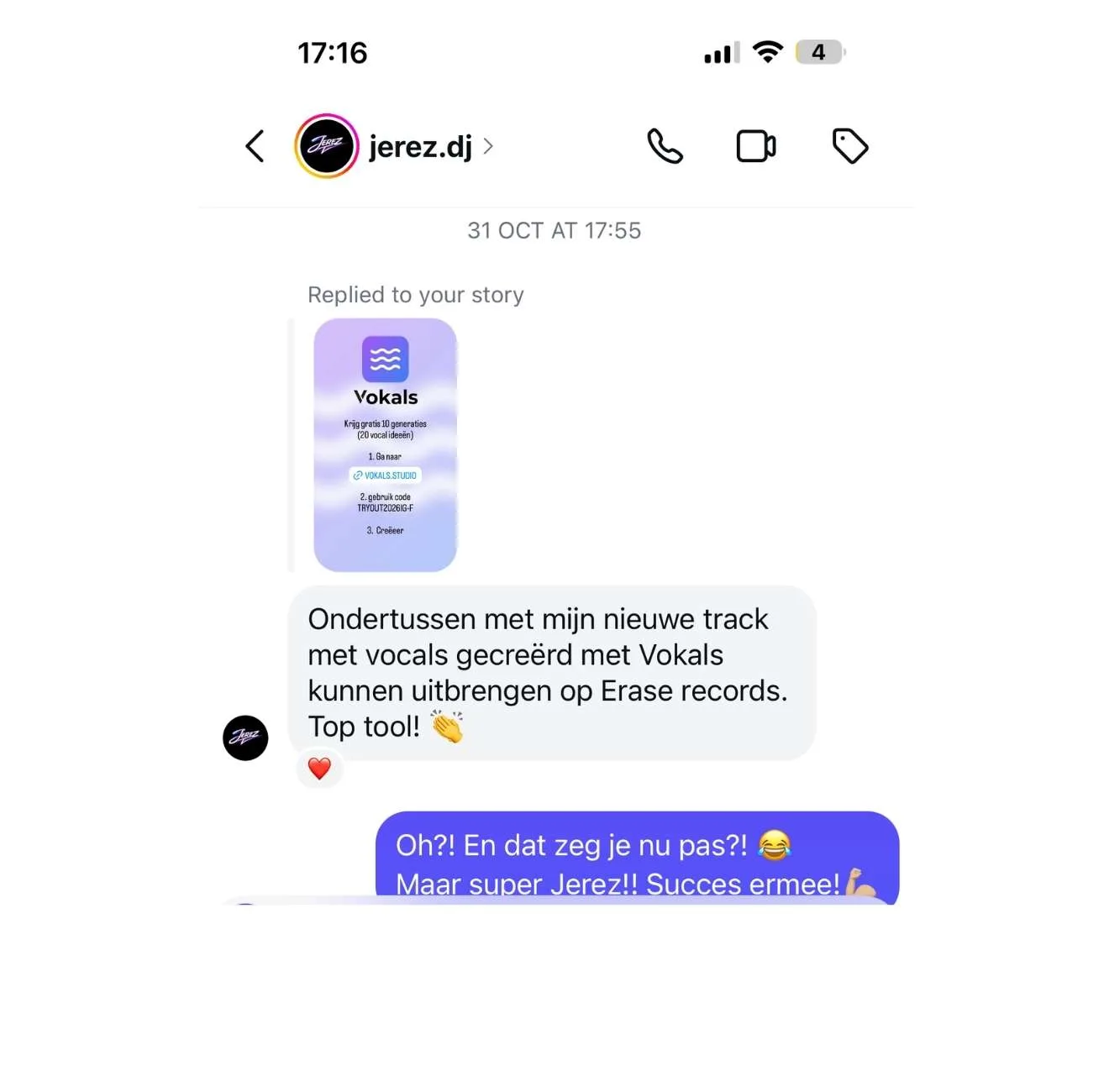
In the meantime I've been able to release my new track, with vocals created using Vokals, on Erase Records. Great tool!
Common questions
Do I need my own instrumental?
Yes. You upload your track so the vocal fits your production.
How many vocals do I get per generation?
Each generation produces two vocal variations for 12 credits. You can listen, compare, and regenerate sections you want to improve.
Can I use the vocals in my releases?
Yes. Separate the vocal stem, download it, and process it in your DAW like any other vocal track.
Do I need prompt experience?
No. Guided Mode lets you shape the vocal by picking voice character, delivery, and emotion with visual controls. Expert Mode is there when you want to write your own prompt.
What does a credit cost?
Yearly subscribers receive 1,200 credits per month (dripped monthly). You can buy top-up packs anytime if you need more. Most actions cost 12 credits.
Are the generated vocals royalty-free?
Any vocal you generate while you have an active subscription or valid credits stays licensed for use in your productions, including after that subscription or credit pack ends. On the free trial, you can generate and listen to vocals, but they are not licensed for release nor downloadable.
What if a section sounds off?
Use section replacement to regenerate just that part. The rest of the vocal stays the same. Costs 10 credits per replacement.
What happens to my credits at the end of a cycle?
They expire. There is no rollover, and unused monthly credits do not carry into the next month. Failed generations are credited back automatically.
Can I use the vocal as a demo and have a singer record it later?
Yes. Write the lyrics, set the direction, and send the demo to the singer you work with. That is the second route described above.
Can Vokals help when I am stuck on lyrics?
Yes, with Vokabulary, a set of lyric writing tools inside Vokals, free for now. Vokabulary is not a tool that writes your lyrics for you, but a source of inspiration: words, images and angles you build on yourself. The lyrics stay yours, and Vokals turns them into vocals.
Who built this.
Vokals was built by Andy Janssens, who has been making records as AJ Duncan (and X-Out in the early years) for over 30 years. Platinum productions. Member of SABAM.
He is not new to the problem on this page. He has had tracks of his own sit and wait on a vocal, with the network and the credits to fix it, and it still took weeks.
“Mostly, I wanted to build something I would have wanted myself as a producer.”
Create the vocal you want.
Vokals is built on one idea: producers stay in the chair.
The tool helps you get the vocal out of your head and onto the track,
fast enough that the idea survives.
Everything after that is yours.
That's how it should be.
The instrumental is there. The vocal direction isn't clear yet.
Stop staring at the loop. React to something real.